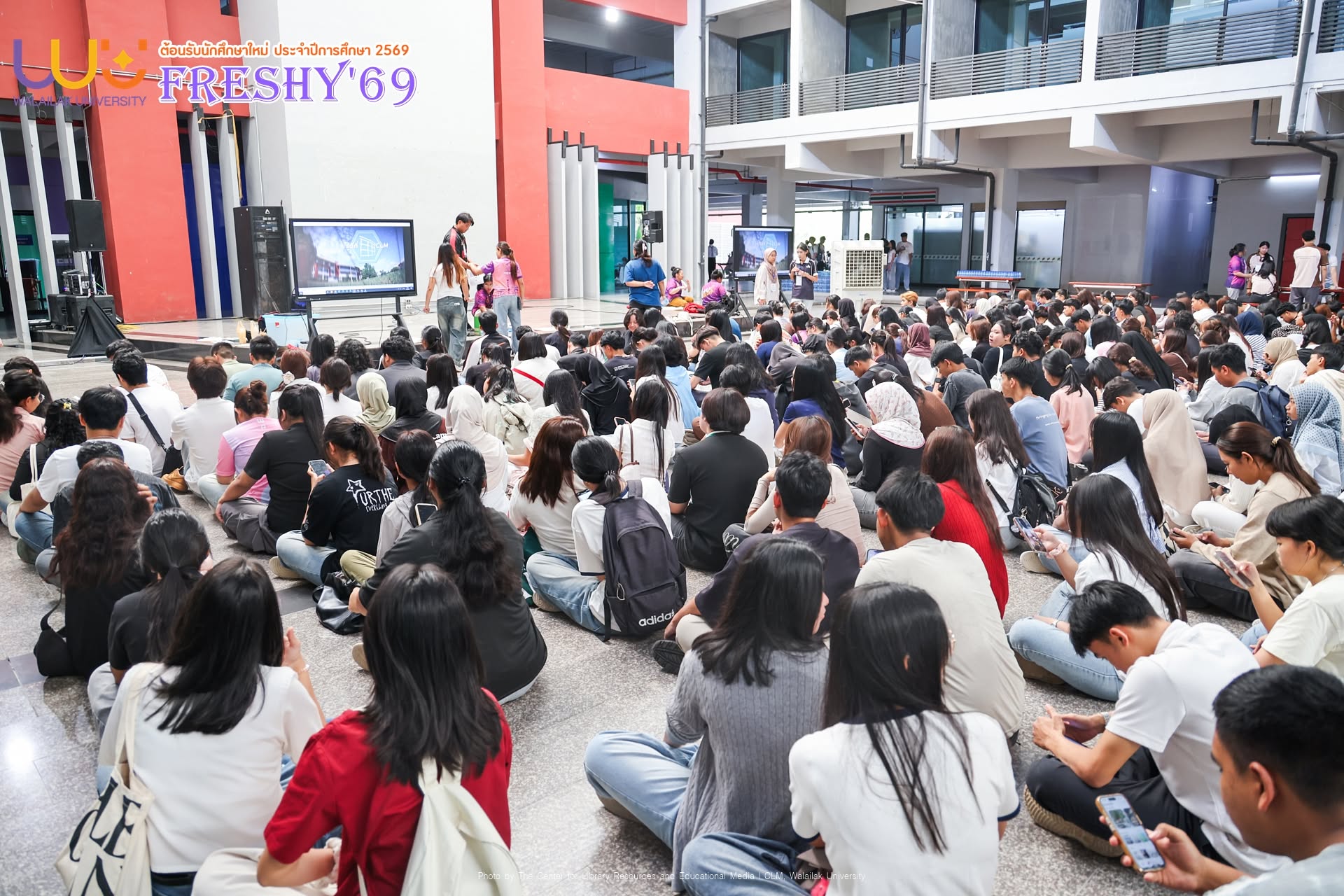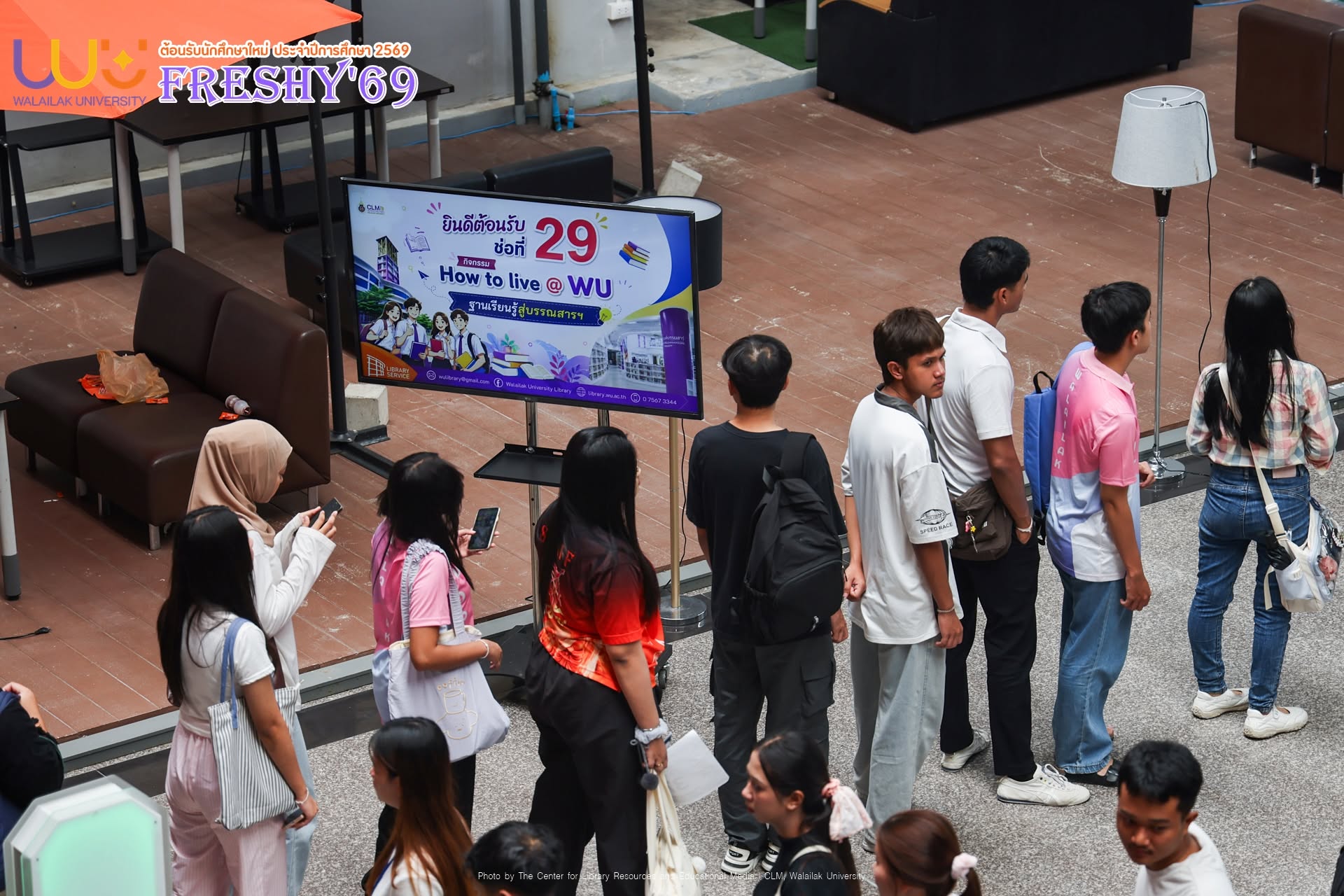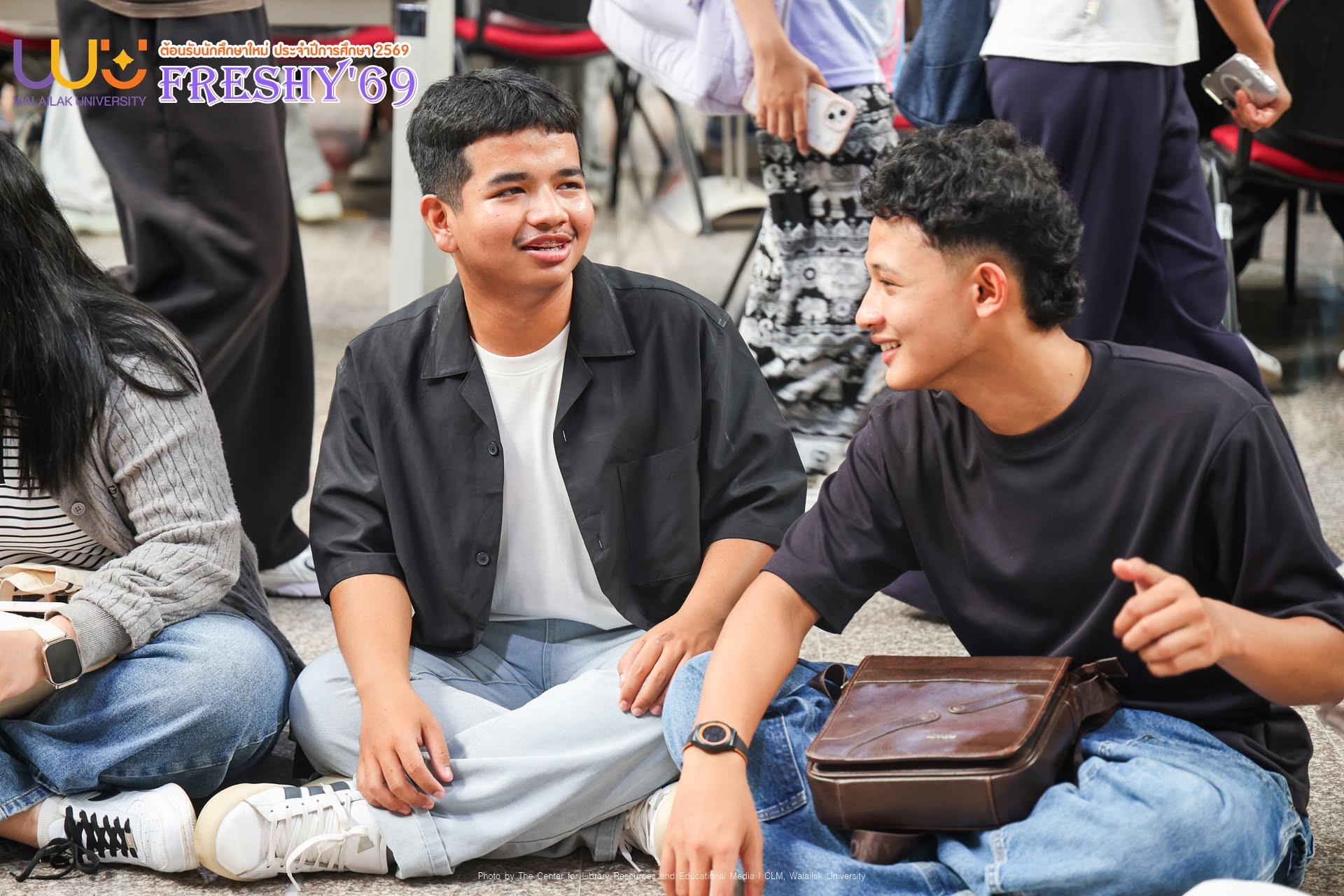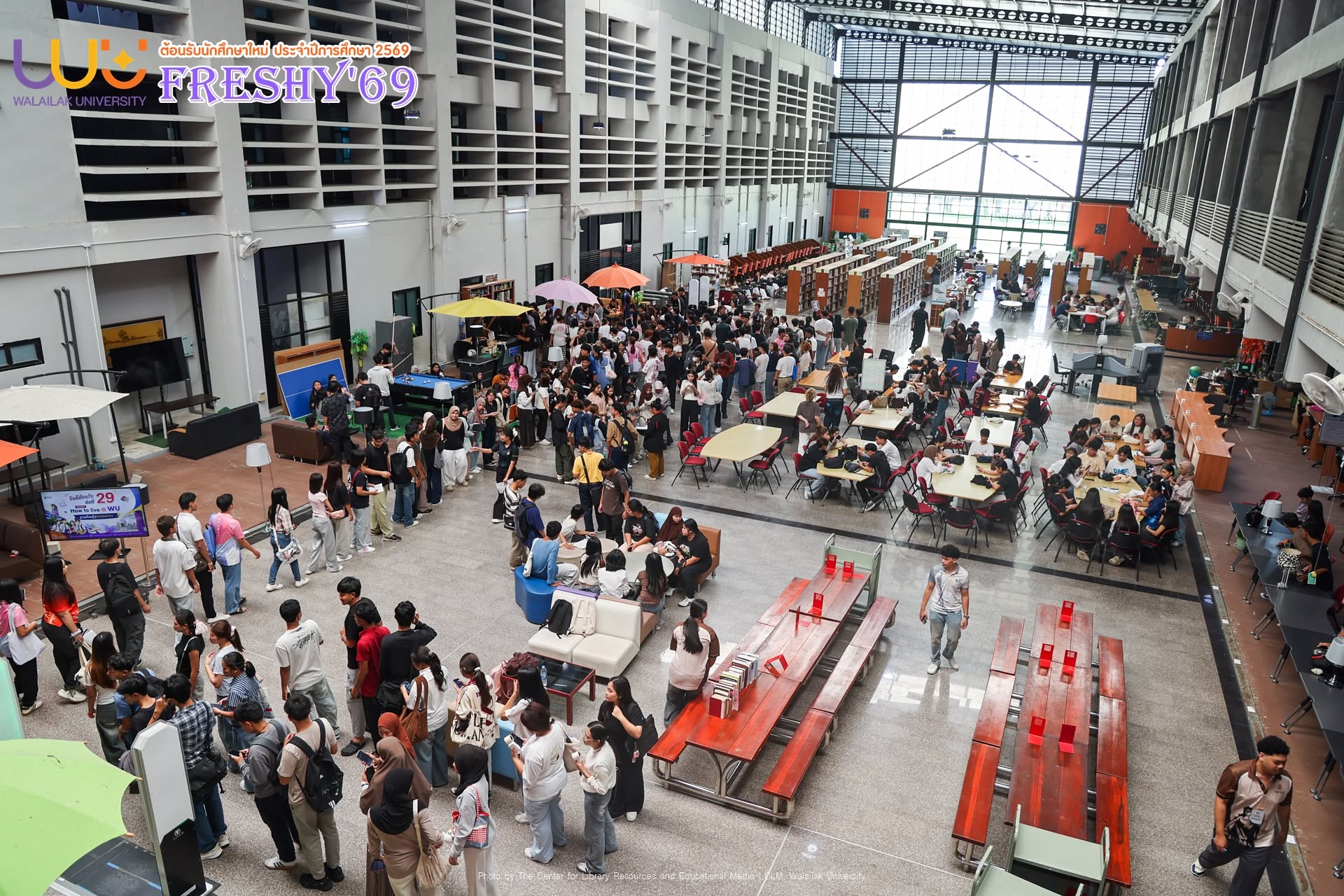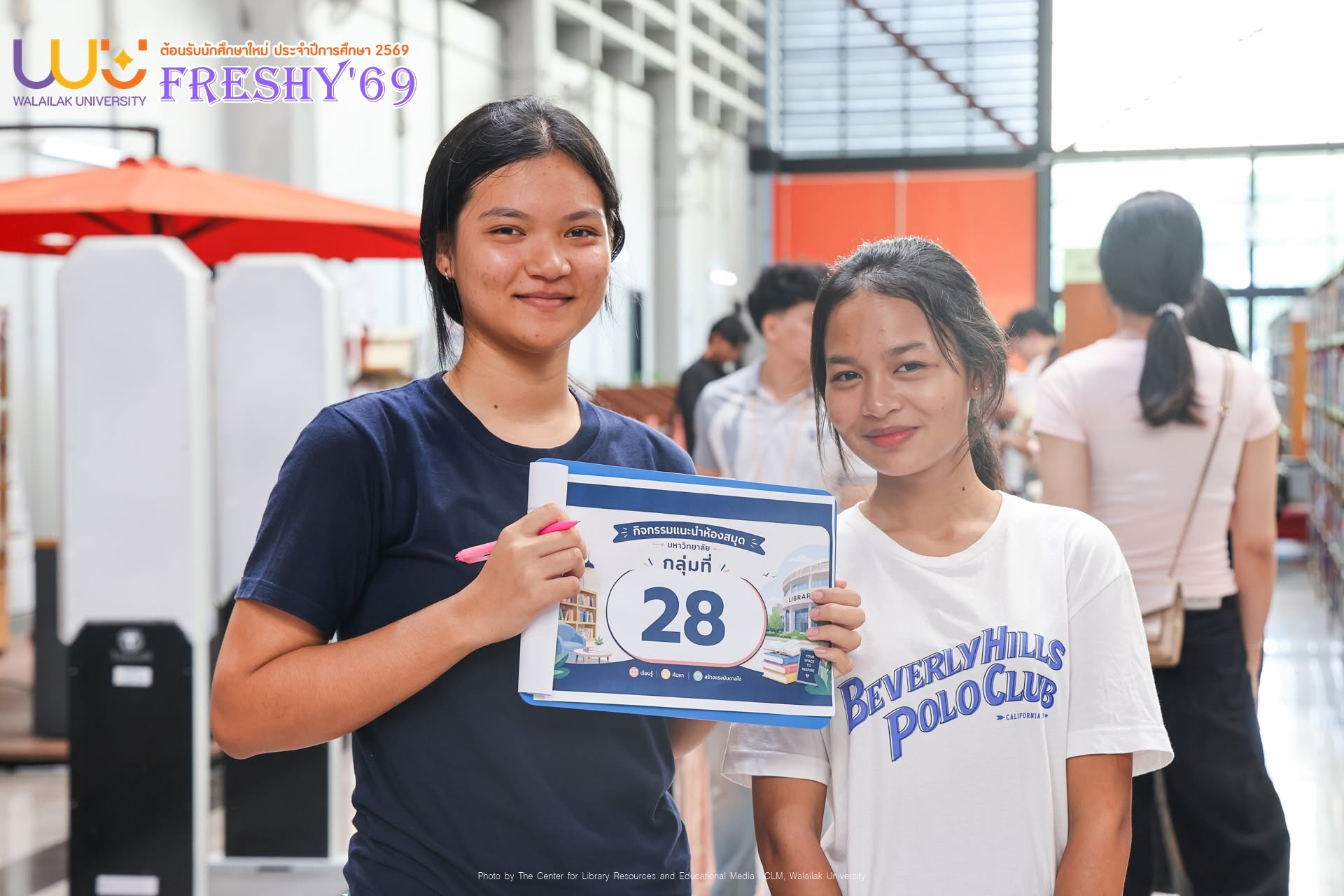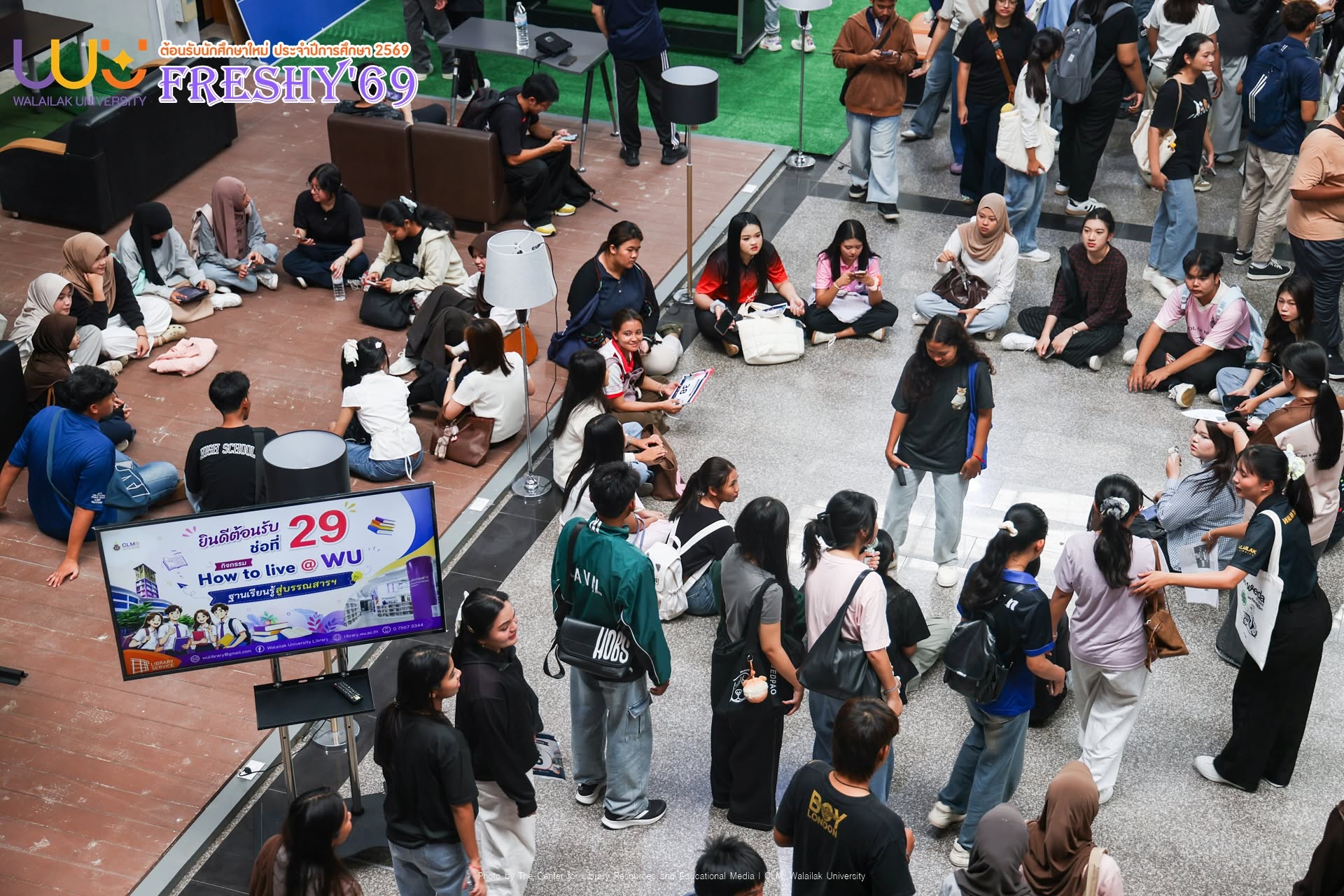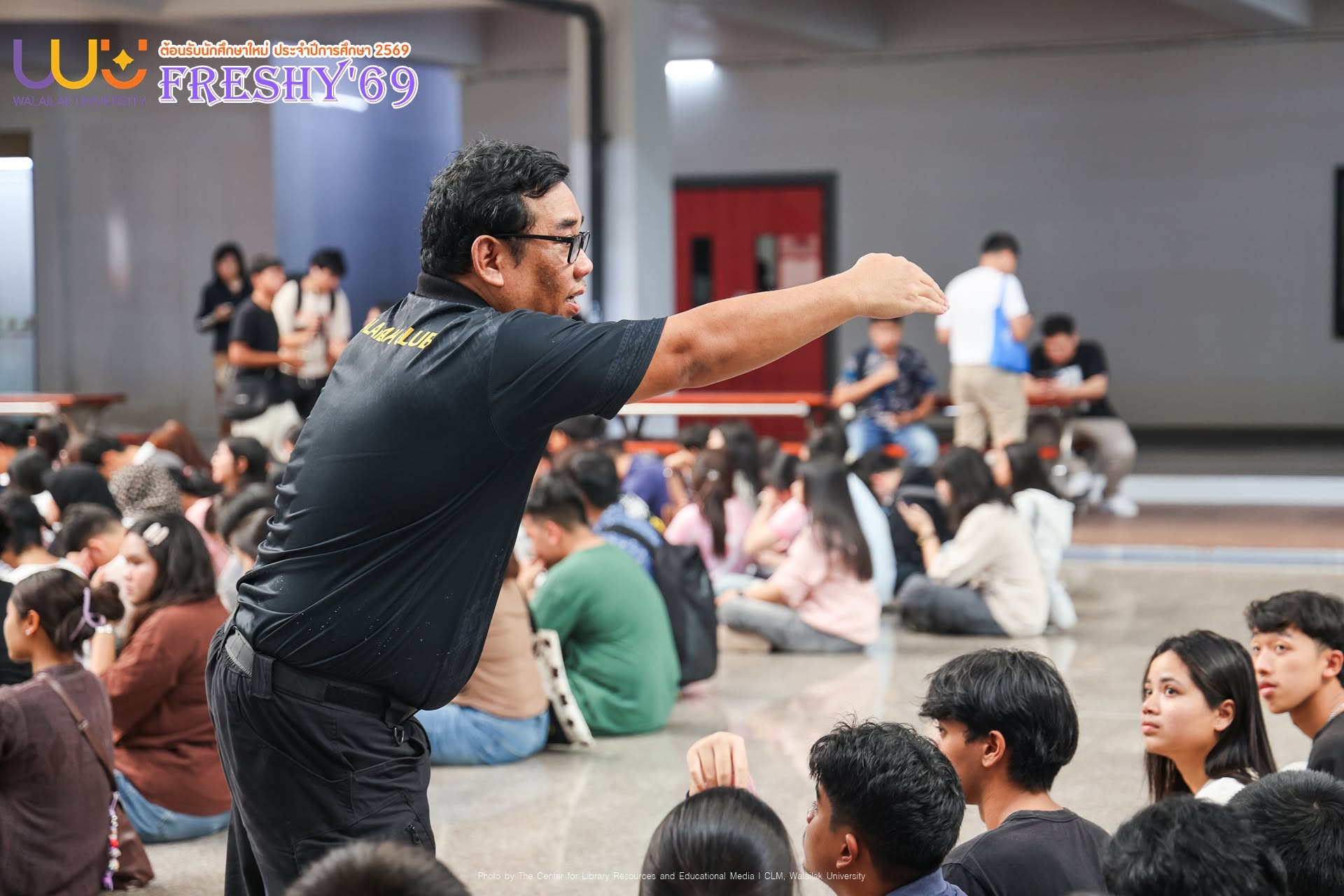
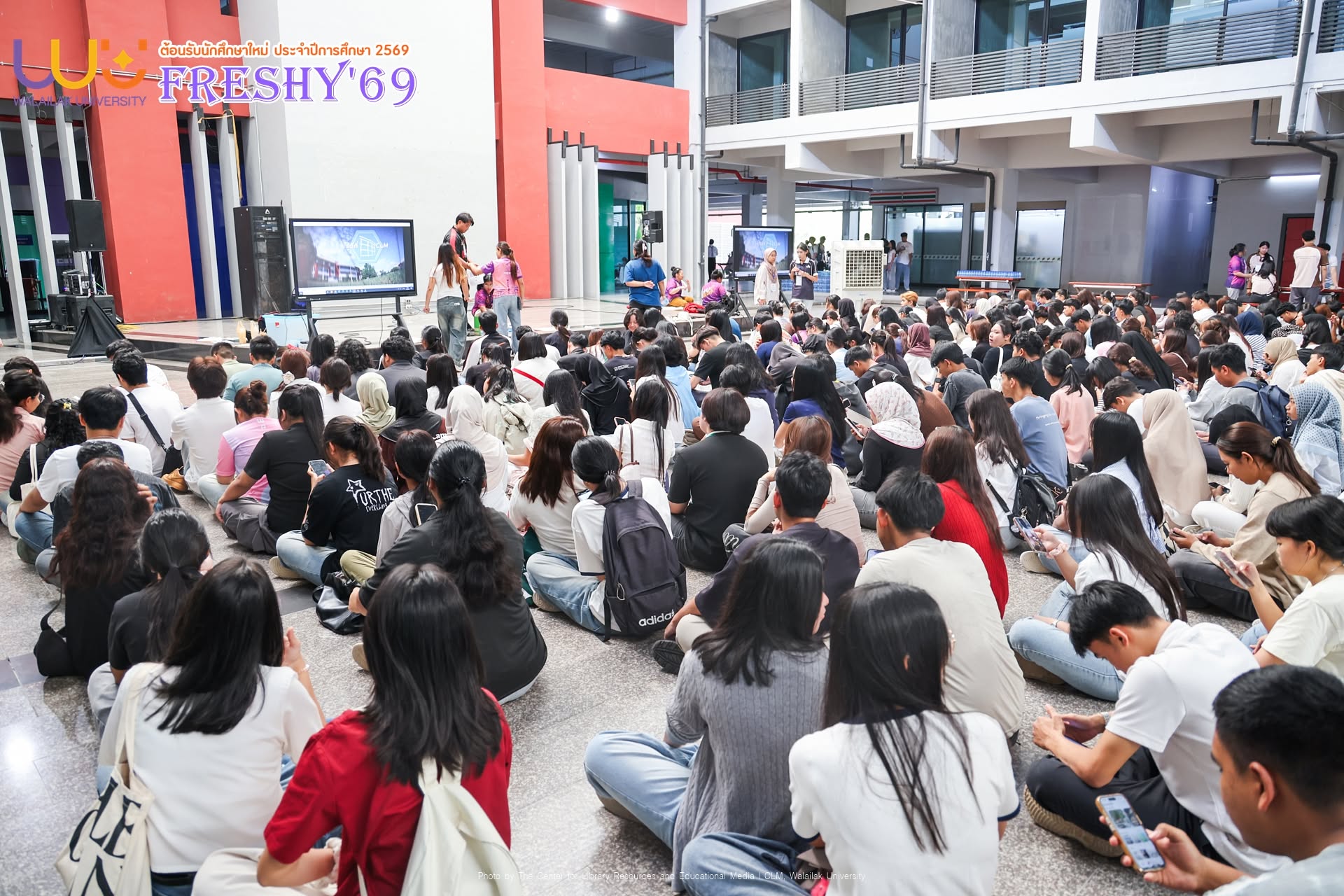
The Center for Library and Educational Media, Walailak University, welcomed the university’s new students, the “Pradu Flower Class of 29,” through the “How to Live @ WU: Learning Journey to the Center for Library and Educational Media” activity.
The program was designed to introduce new students to the university’s library services, learning resources, facilities, and information technologies, while helping them become familiar with the systems and services essential for learning and academic life at the university level.
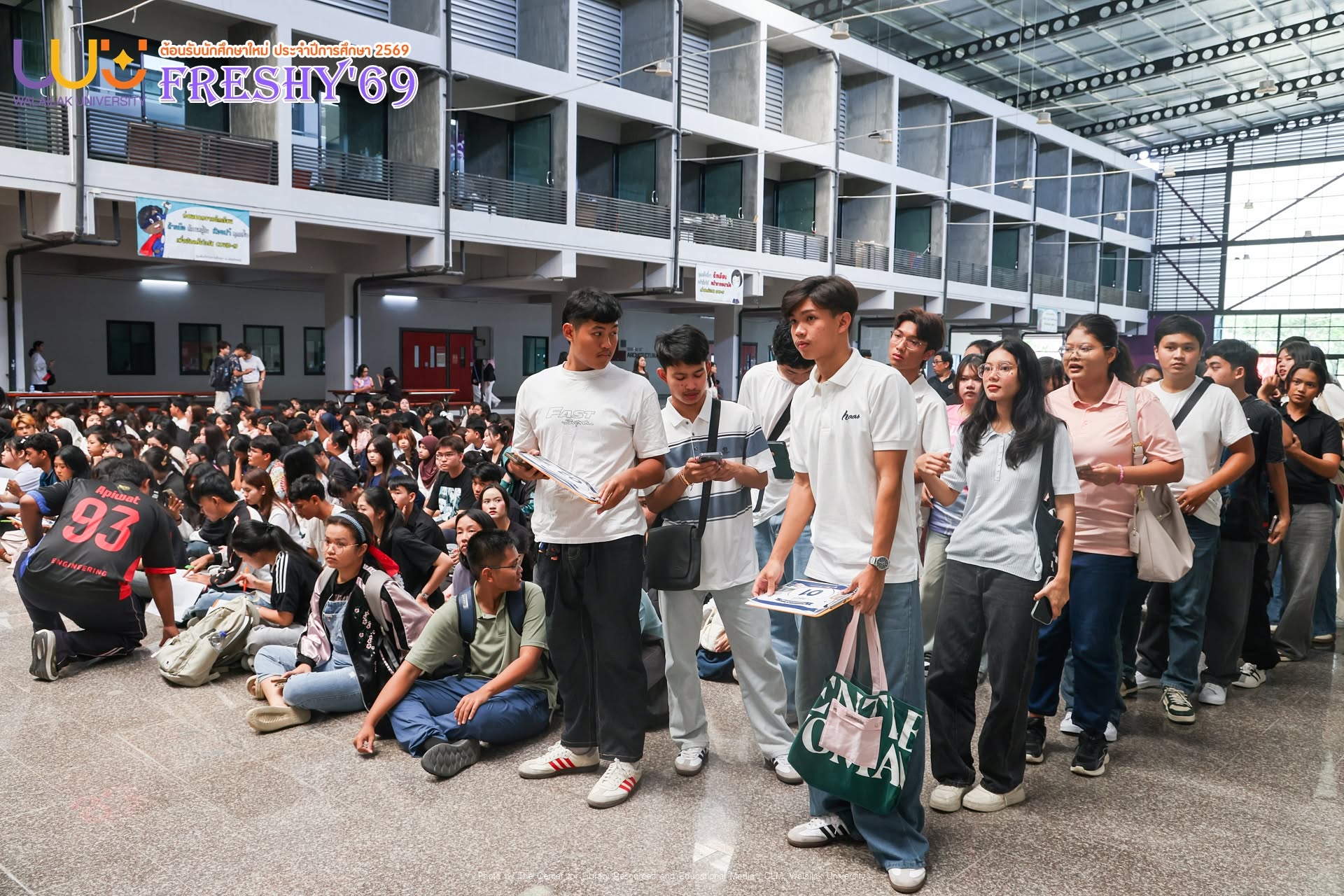
The activity was organized in multiple sessions, with approximately 600 students per session, comprising three morning sessions and three afternoon sessions, beginning at 8:30 a.m. New students participated in a series of interactive learning stations organized by the Center for Library and Educational Media, accompanied by group mentors who provided guidance and support throughout the activities.
3 Highlight Learning Stations for New Students
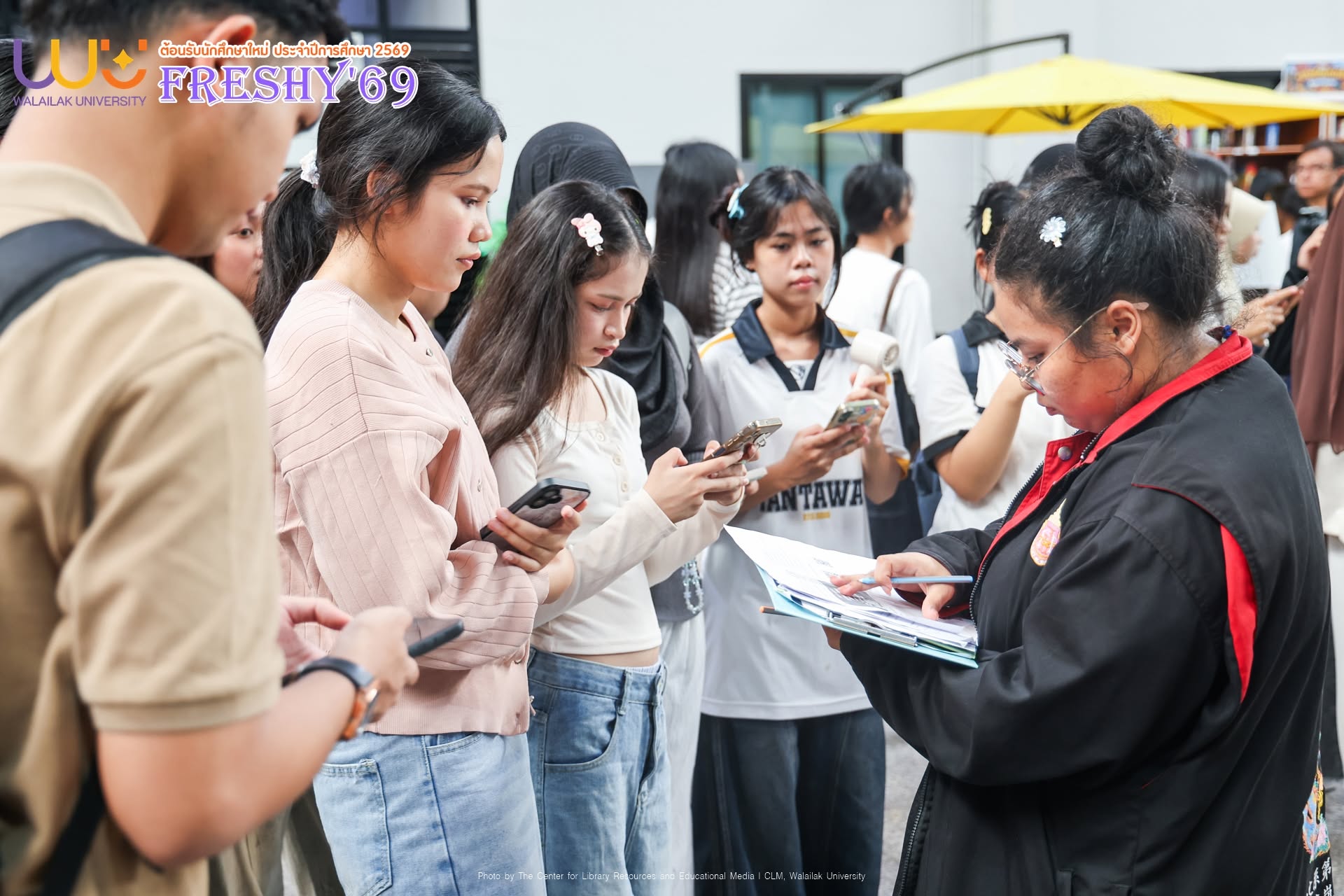
Each student received a group worksheet and rotated through the various learning stations, completing tasks designed to help them discover the library’s services and gain practical experience using its resources.
Game Zone: Exploring the World of Board Games
This station offered students an opportunity to experience learning beyond the classroom through the library’s recreational area and board game collection.
Students were invited to:
- Explore the total number of board games available at the library.
- Learn the correct procedures for borrowing and returning board games.
- Select five board games that interested their group and record the relevant information on their worksheet.
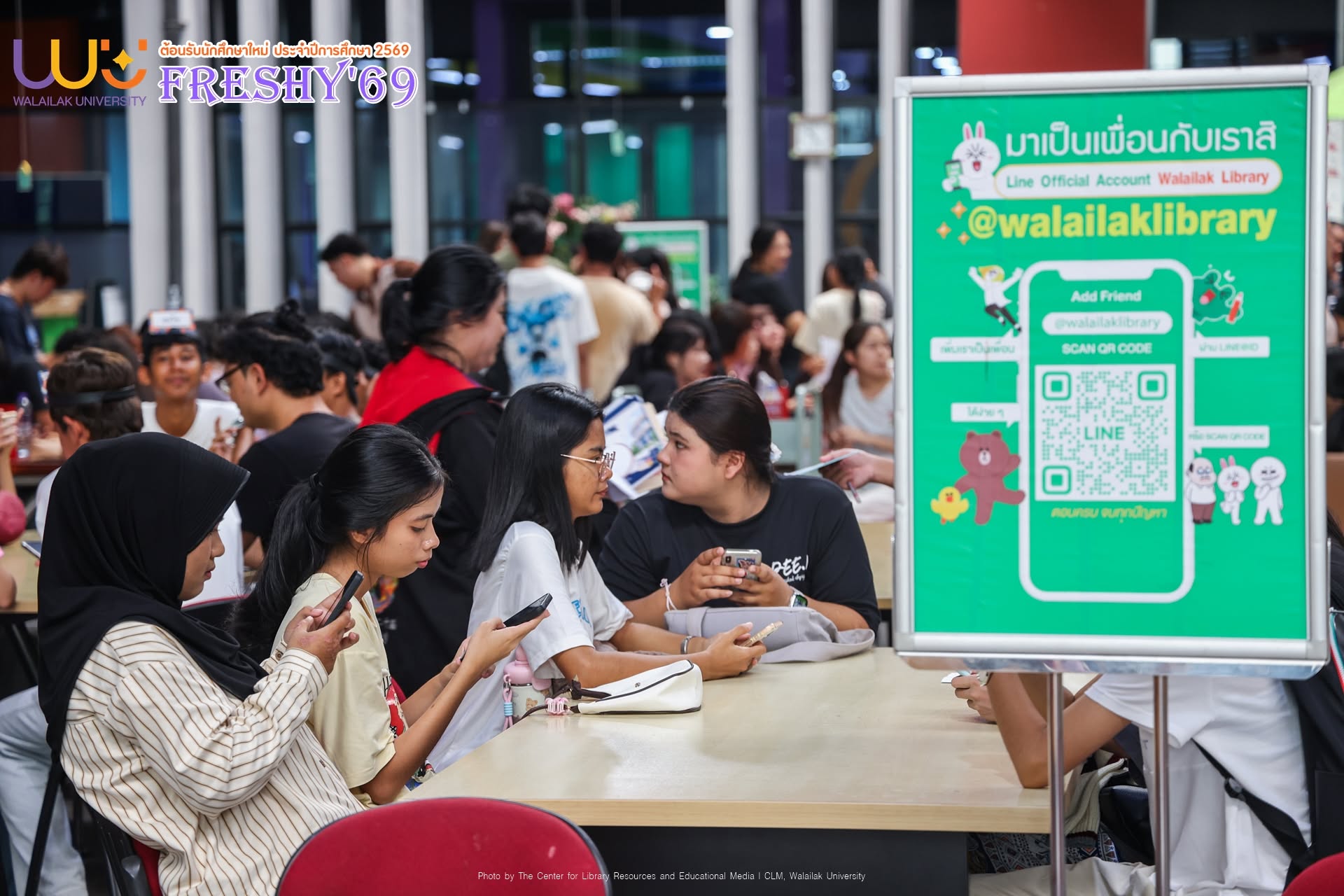
CLM: Let’s Be Friends
This station introduced students to the Center for Library and Educational Media’s online communication channels and digital services, while connecting them with the library community through the LINE Official Account: Walailak Library.
Students were asked to:
- Find the official website of the Center for Library and Educational Media.
- Add the Walailak Library LINE Official Account as a friend.
- Send a brief introductory message including their student ID, full name, and school/academic program to verify their membership.
- Show evidence of completing the activity to their group mentor.
Walai AutoLib Mobile Application
Students learned how to access smart library services through their smartphones using the Walai AutoLib Mobile application, allowing them to conveniently access library services anytime and anywhere.
Key tasks included:
- Downloading and installing the Walai AutoLib Mobile application.
- Logging in and practicing borrowing a book through the application.
- Learning more about the application through an instructional video available on the edumedia YouTube channel.
- Returning the borrowed practice book at the designated book return point before leaving the library.
How to Participate
1. Group Registration
Students completed their group number, member names, and other required information on the worksheet.
2. Participate in All Learning Stations
Every group member was required to participate in all learning stations and complete the assigned activities, with their participation assessed and verified by the group mentor.
3. Check-In and Confirm Participation
After completing all stations and submitting the worksheet, students returned to the original meeting point for attendance verification before proceeding to the next activity.
The “Learning Journey to the Center for Library and Educational Media” activity represents an important step in preparing new students to make effective use of the university’s information resources and library services.
More importantly, the program provides students with a fun, engaging, and welcoming learning experience from their very first days at Walailak University, helping them feel confident and ready to make the most of university life.